The Problem
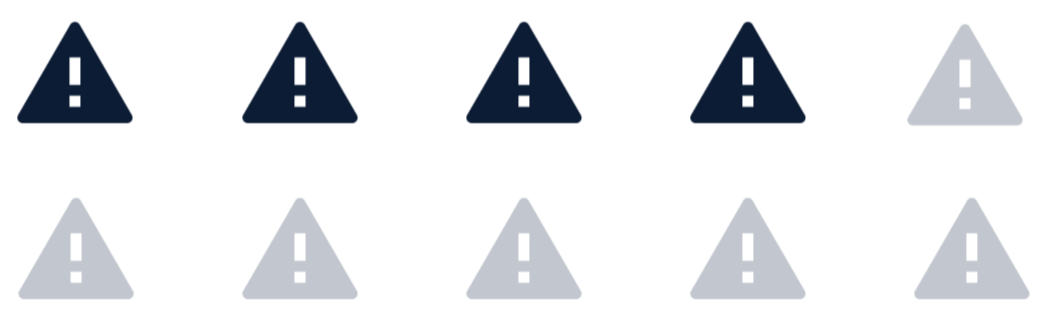
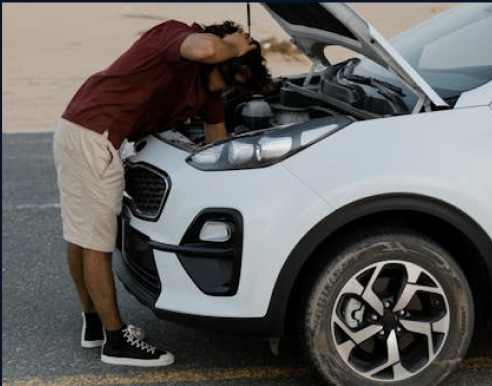
4 out of 10 Drivers struggle to understand in‑vehicle alerts due to unclear icons, poor timing, and lack of contextual guidance. This confusion increases cognitive overload, causes stress, and can lead to delayed or ignored actions impacting both safety and vehicle maintenance.
Why Is That ?
Scope of work
User Research • Persona & Journey Mapping • Concept Development • UX Design • UI Design • Usability Testing • Marketing Video Production
Marketing Video
My Design-Research Process
I began by outlining my ideal end-to-end design process, mapping each phase from initial research through final user testing. This framework helped me stay intentional and structured throughout the project.

My Research Methodology
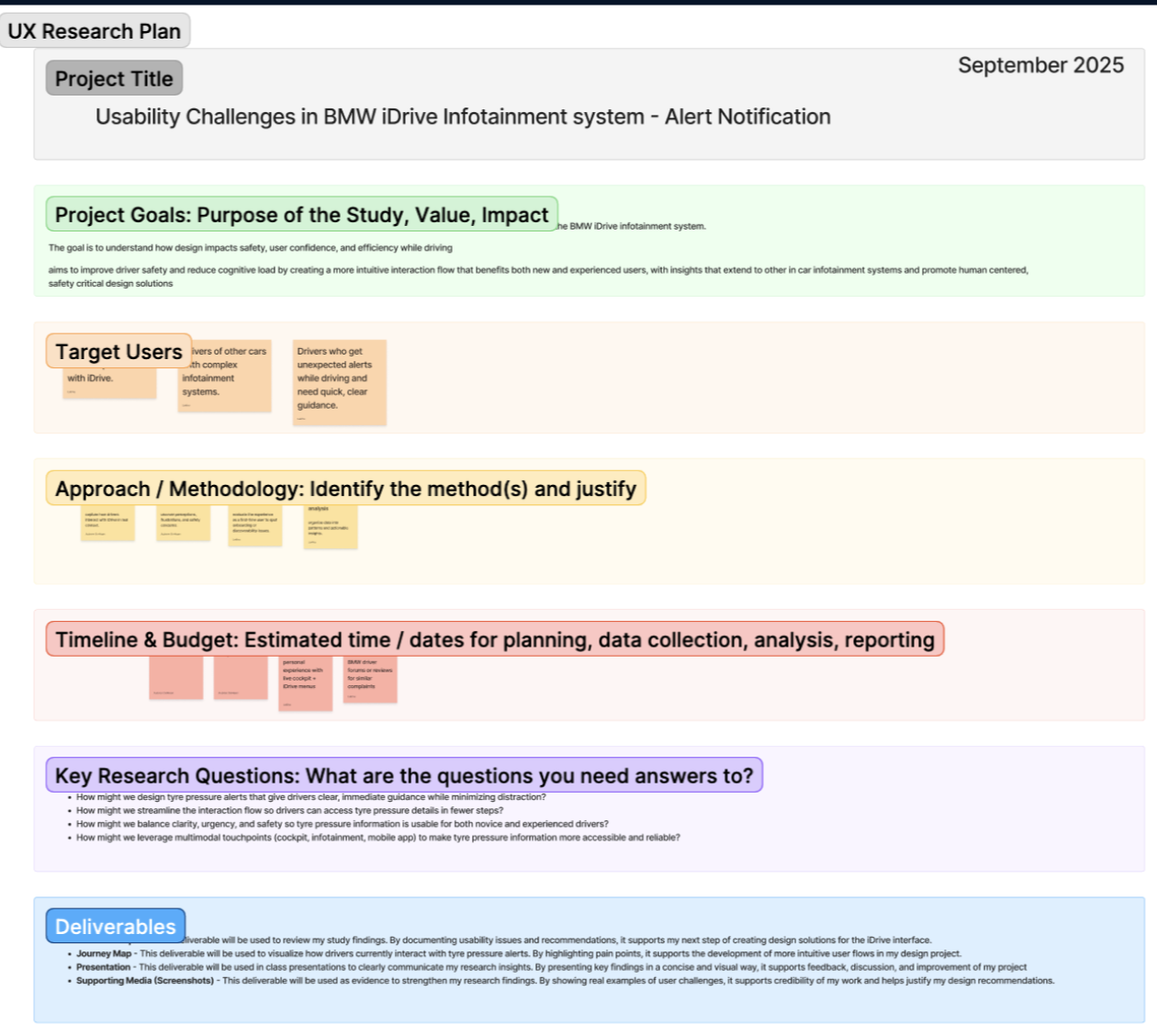
My Research Plan
My plan was to Identify key driver behaviors, needs, and pain points to understand where and why friction occurs throughout the driving journey
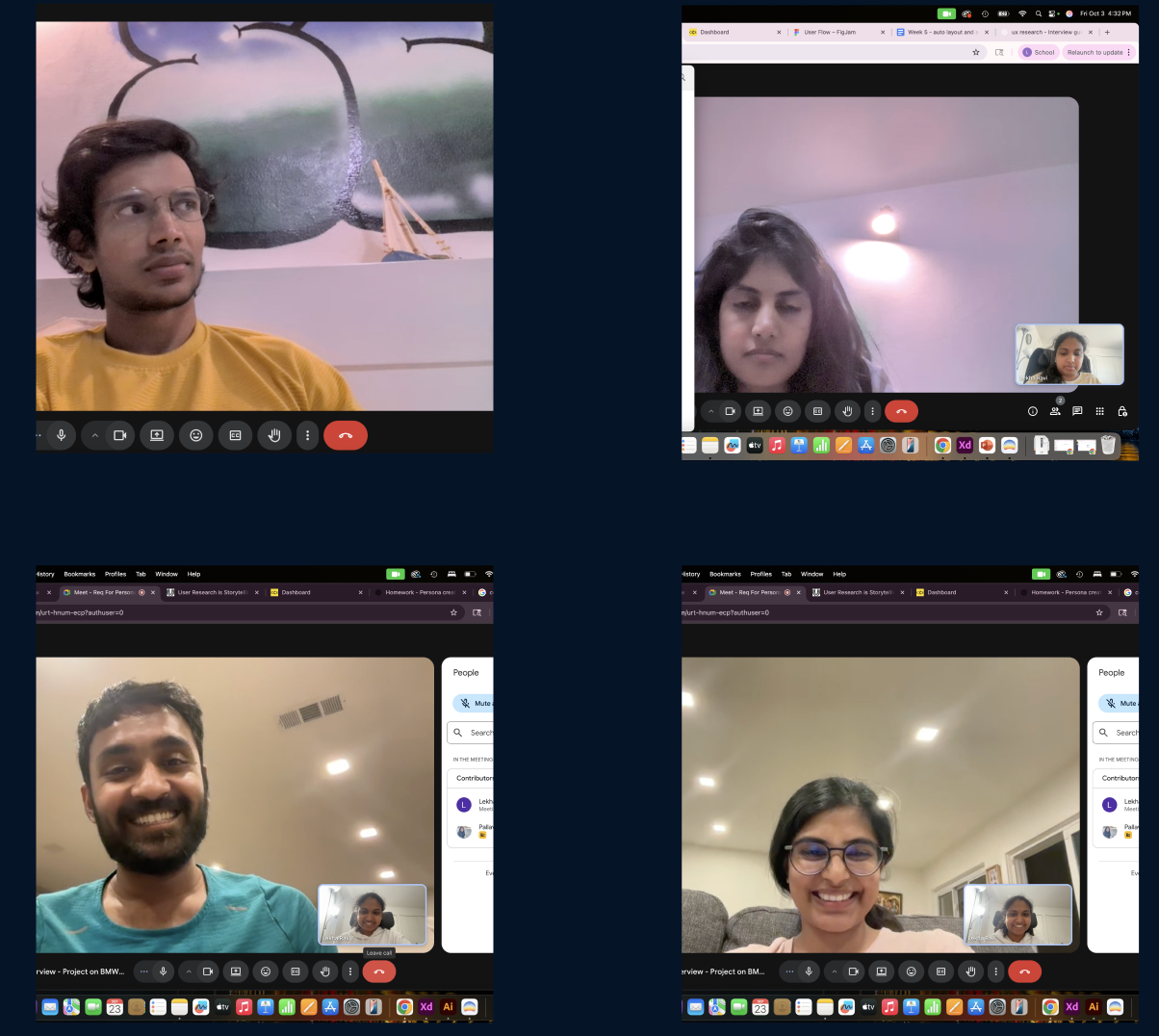
User Interviews
Conduct expert conversations with vehicle owners and daily commuters to uncover practical insights from everyday driving experiences

Competitor Analysis
Study safety and system alert communication strategies used by leading automotive brands.
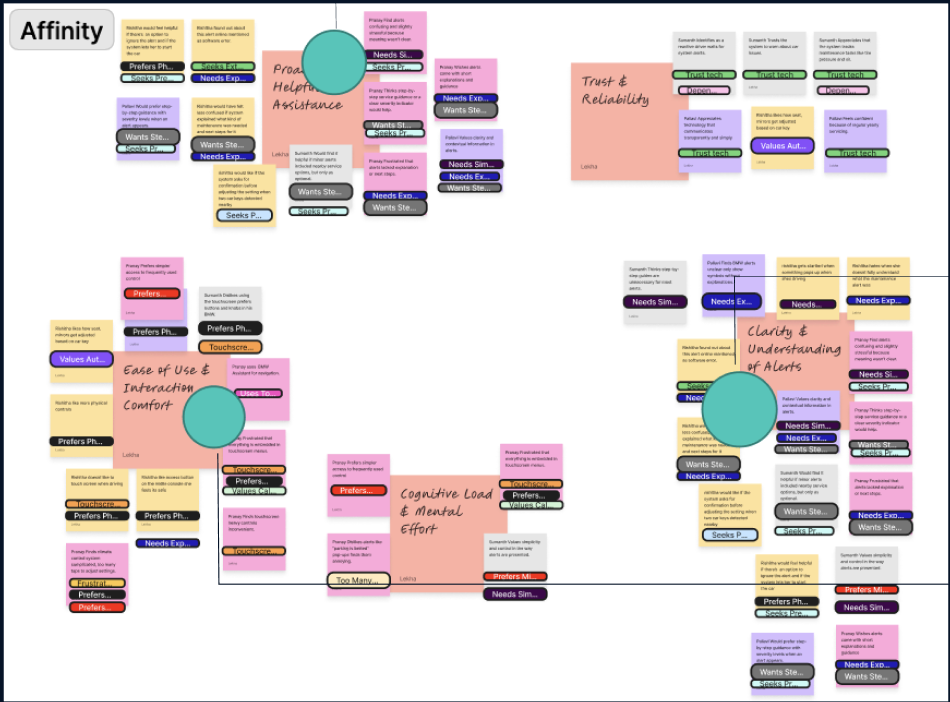
Research Analysis
Synthesized research data into affinity maps and coded key themes
Research Findings
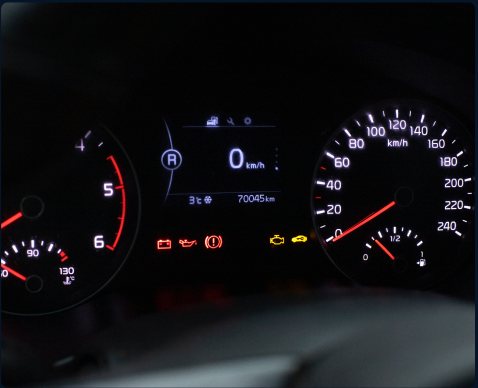
Small Icon - light without context

No easy access to alert detail on infotainment
Forgetting about car alert in busy life

How might we
How might we help drivers stay focused while receiving clear, calm, and actionable guidance?
Early Concepting & Ideation
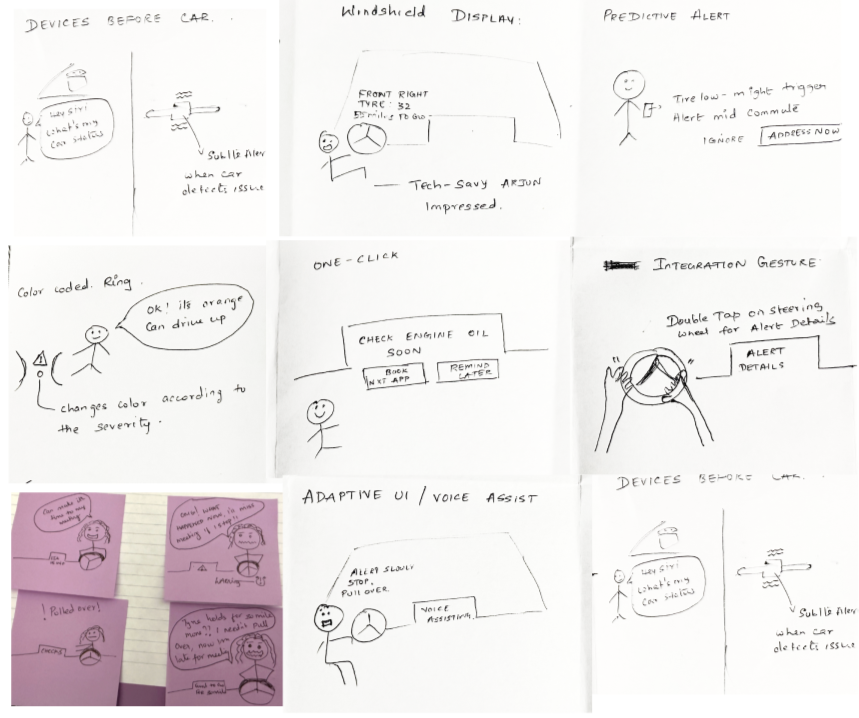
User Flow
Key Features
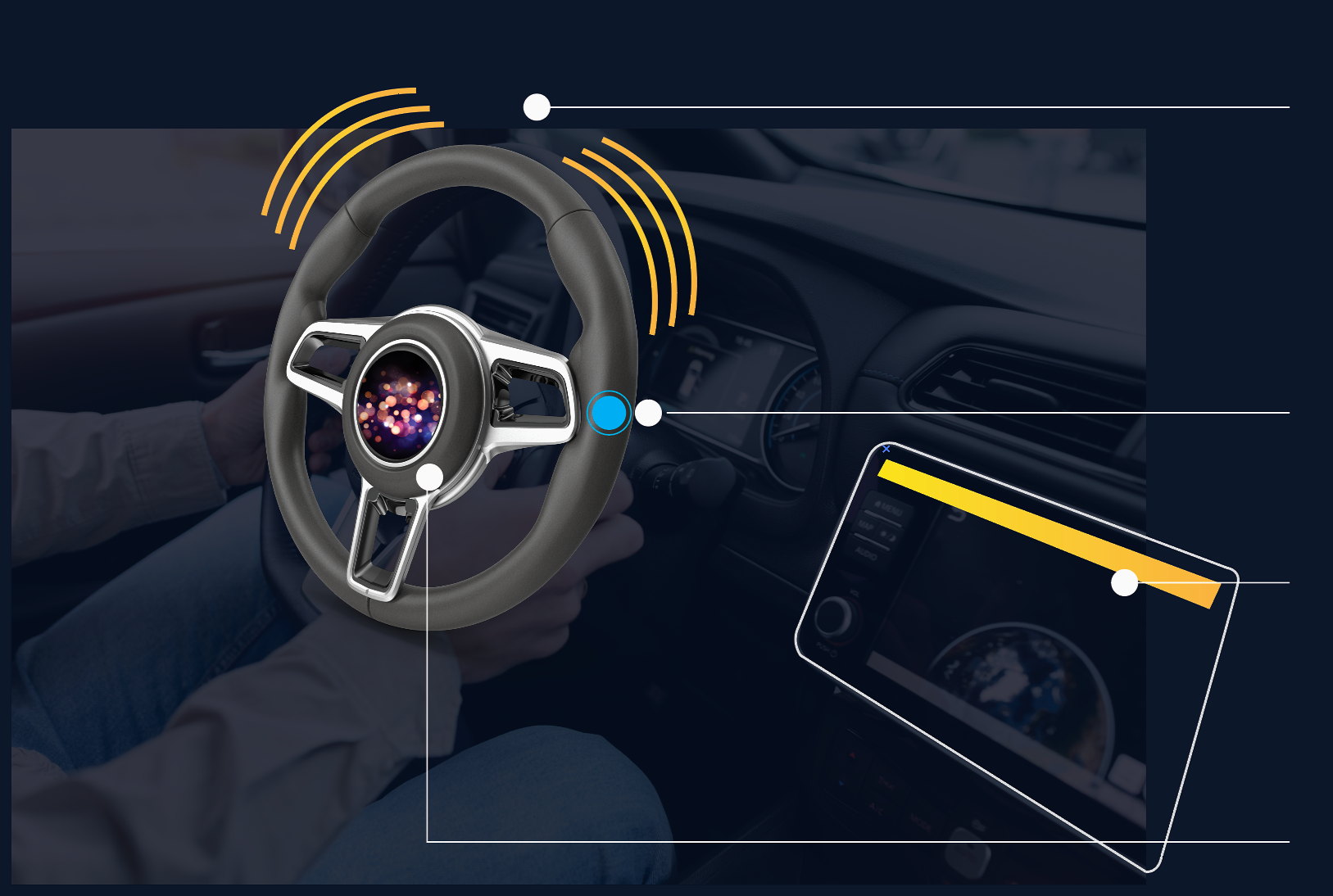
Color Coded Steering Vibration
Steering Haptics for Optional Voice Assistance
AI Integrated Car System
Steering-Activated Voice Assistant
In Car Experiences
Reduced cognitive load: Translates complex vehicle alerts into clear, prioritized guidance using severity cues so drivers understand what matters without distraction.
Safer decision‑making: Optional voice assistance to help drivers respond appropriately while staying focused on the road.
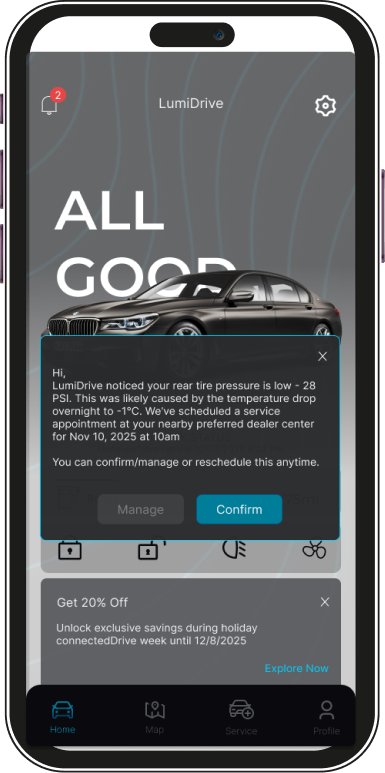
Continuous support beyond the drive: Push notifications enable drivers to review, manage, or reschedule services appointments. when they are relaxed, free from driving distractions.
In App Experiences
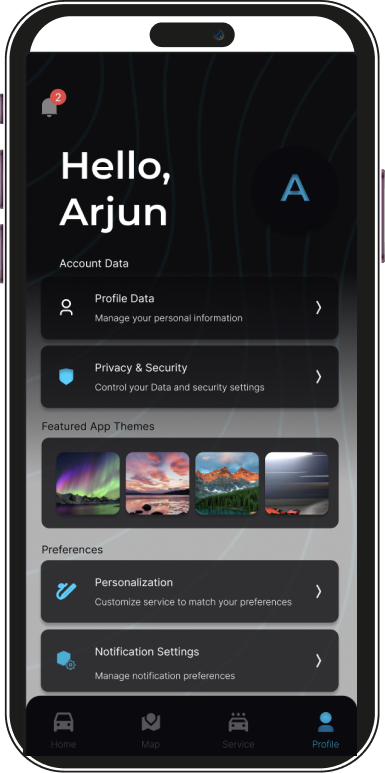
Remote vehicle access: Secure remote controls enable users to check vehicle status and perform key actions anytime, reducing uncertainty and increasing convenience
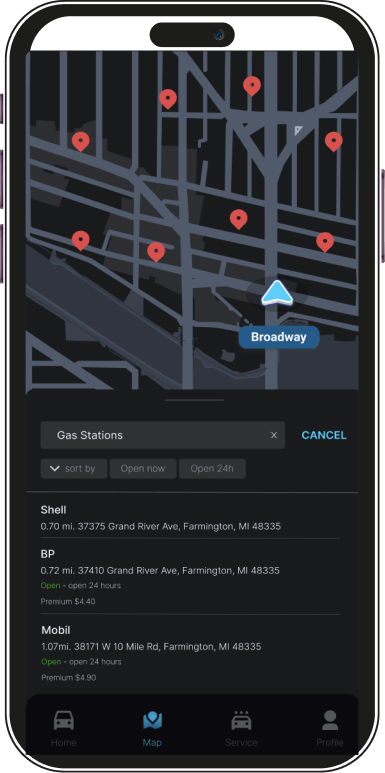
Intelligent navigation : Context-aware navigation that adapts to user preferences, driving history, and real-time conditions to support confident trip planning
Personalized experience : Push notifications enable drivers to review, manage, or reschedule services appointments. when they are relaxed, free from driving distractions.
Custom alert controls: Flexible alert settings allow users to prioritize, mute, or customize notifications based on relevance and personal needs.
User Testing
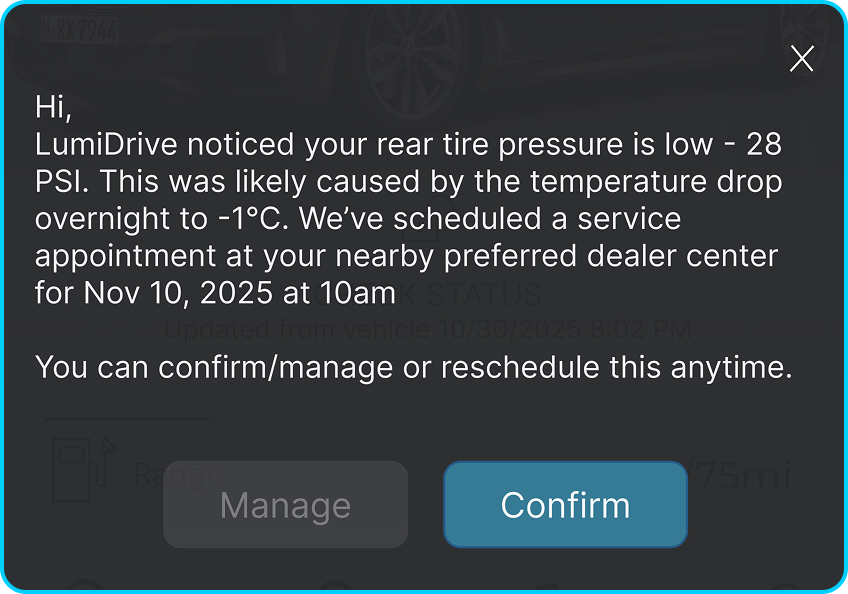
Notification as a Pop-Up: Users were confused about new notifications so added the push notification from the car as a POP-up where the Users can Confirm or Manage the scheduled service.